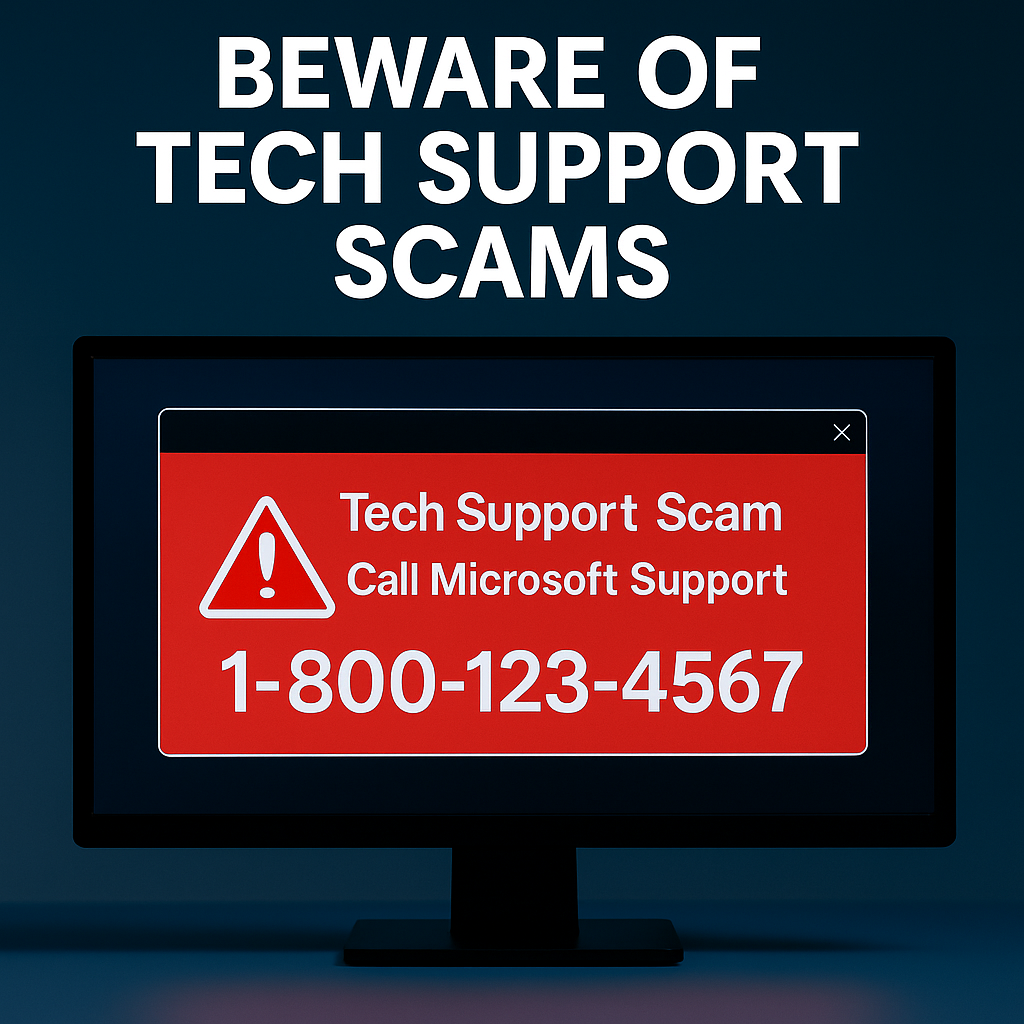
Beware of Tech Support Scams: Protect Your Money and Your Computer
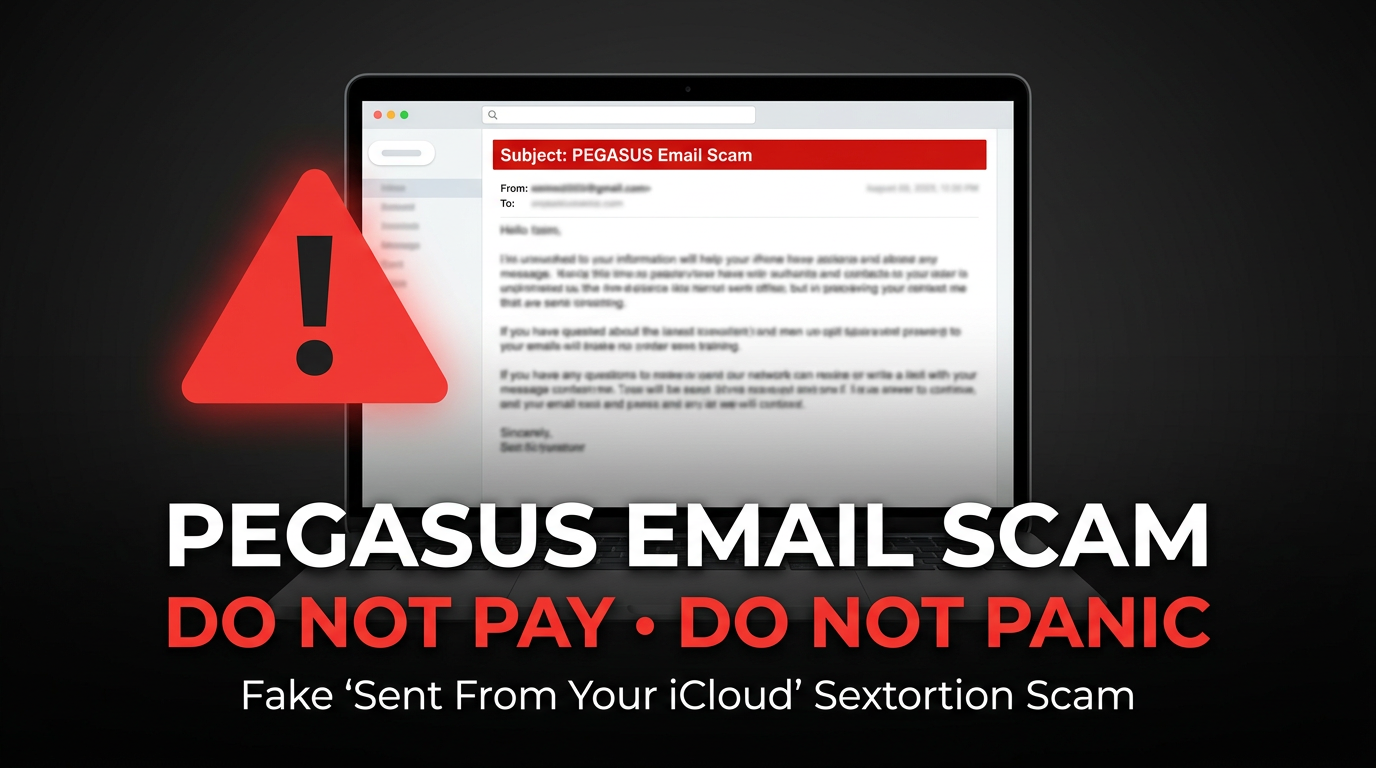
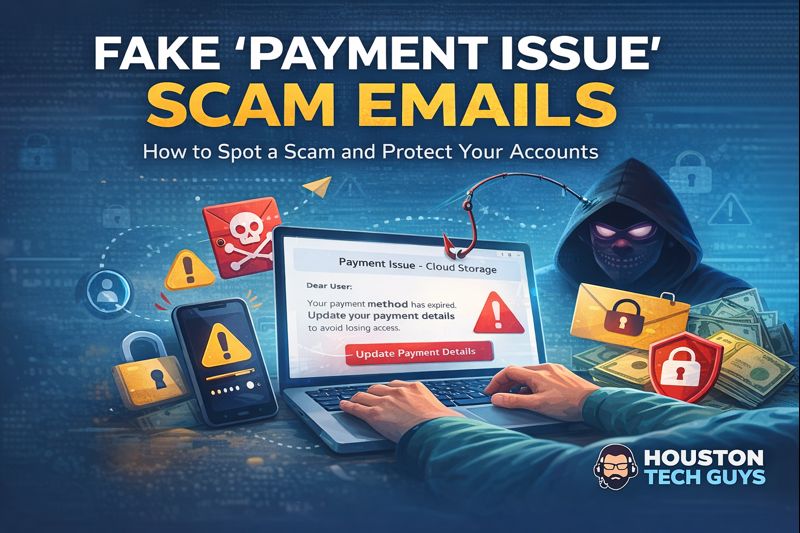
Scammers pretending to be Apple, Microsoft, Amazon, or other trusted companies are tricking people every day. They display fake pop-up warnings or send emails and texts that push you to call a phone number. Once you call, the scammer pressures you to pay with cryptocurrency, gift cards, or money orders , or to let them into your computer so they can steal your files. This is known as a Tech Support Scam. At Houston Tech Guys , we want to helps you and your family never fall victim to these scams.
Common Tactics These Scammers Use
Scammers are clever. They use various tactics to trick you into giving them money or access to your computer. Here are some common methods:
- Fake Microsoft or Apple alerts claiming your computer is infected.
- Amazon purchase scams saying your account was charged for something you didn’t buy.
- Pop-ups that freeze your screen and demand you call for “unlocking.”
- Call center agents demanding payment in crypto, gift cards, or wire transfers.
What to Do if You See a Fake Tech Support Page or Pop-Up
If you come across one of these pages or alerts online, it’s essential to act wisely:
- Never call the number on the screen.
- Never give remote access to anyone you don’t personally know and trust.
- Never go to the bank to withdraw cash, buy cryptocurrency, gift cards, or money orders because a “support agent” told you to — it’s always a scam.
👉 Instead, follow these steps:
- Take a screenshot or photo of the page or pop-up.
- Text or email it to Houston Tech Guys at info@HoustonTechGuys.com or call 713-849-2953 .
- Ask us directly — we’ll confirm whether it’s legitimate or a scam.
Signs You’re Dealing With a Scam
Recognizing the signs of a scam can help you protect yourself. Here are some red flags to watch for:
- Legitimate companies never display random phone numbers in pop-ups.
- Apple, Microsoft, and Amazon do not ask for gift cards or crypto .
- Real tech support will not demand immediate remote access .
- Poor spelling, generic greetings, and urgent language are common indicators of a scam.
What To Do If You See a Fake Number or Pop-Up
If you encounter a suspicious number or pop-up, take these actions:
- Do Not Call the Number — close the window or restart your computer.
- Do Not Give Remote Access — if pressured, hang up immediately.
- Report the Scam :
- Apple scams: reportphishing@apple.com
- Microsoft scams: phish@office365.microsoft.com
- Amazon scams: stop-spoofing@amazon.com
- File complaints with the FTC : reportfraud.ftc.gov
- Run a Security Check — update your antivirus software, scan for malware, and change any shared passwords.
How Houston Tech Guys Can Help
At Houston Tech Guys, we provide a range of services to keep your technology secure:
- Professional virus and malware removal .
- Security software installation .
- Account and password protection .
- One-on-one guidance if you suspect a scam.
📸 If you’re unsure, just send us a picture or email , and we’ll walk you through it.
Call Houston Tech Guys at 713-849-2953 or email info@HoustonTechGuys.com . We’ll make sure your technology stays safe and secure.
Verify independently and respond to exposure
Treat phone numbers, sender names and amounts described here as details reported in the source case, not proof of who owns a number or who placed a call. Caller ID and email sender displays can be spoofed. Open the organization’s official app or type its known website yourself; use contact information obtained there, not from the message. Do not share passwords, recovery codes or unexpected sign-in approvals. If you shared access or credentials, disconnect an exposed device, use a different trusted device to change passwords and review sessions, and contact the affected bank or service promptly. Keep evidence and report the message. A suspicious message alone does not prove a device or account was compromised.