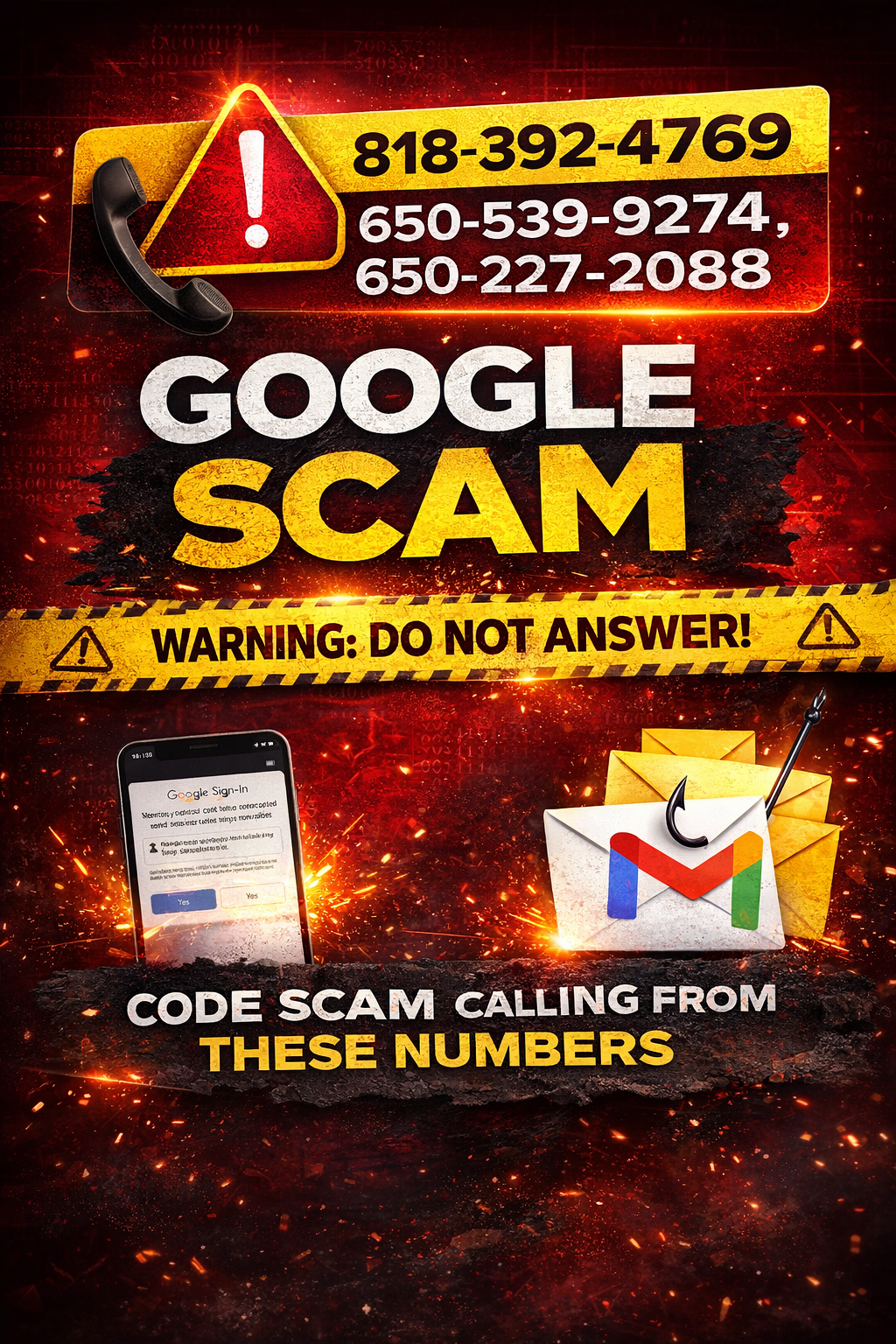
A new Google impersonation scam is circulating that uses automated phone calls, caller ID spoofing, and realistic Google security alert emails to confuse users and pressure them into responding.
Below is a real-world example from a Houston Tech Guys case. These screenshots are shared for educational purposes only. All personal email addresses have been redacted to protect customer privacy.
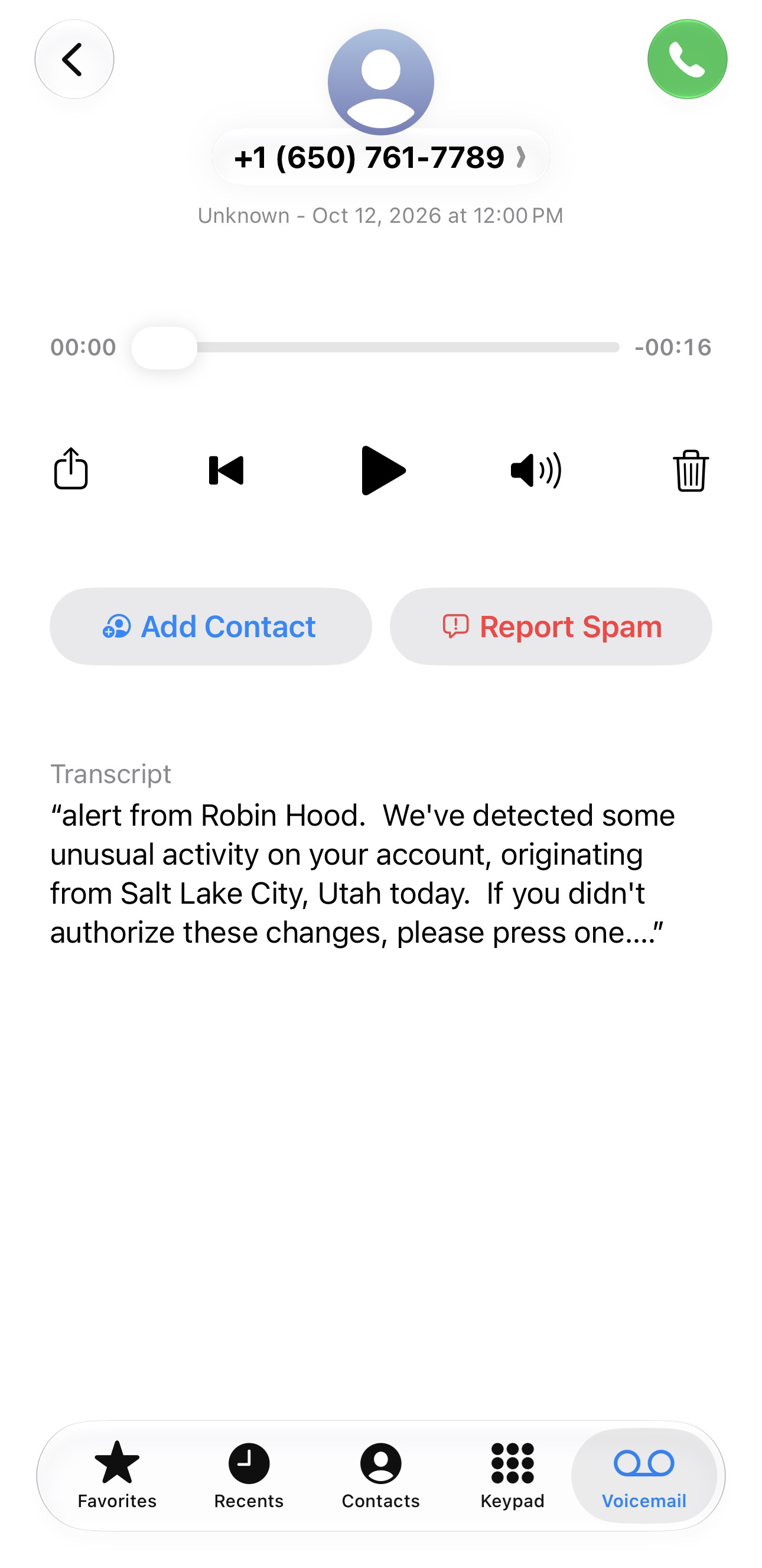
The scam typically begins with an automated voice message claiming to be from Google. The message states that a phone number, backup phone number, or recovery email on a Google account was changed. The caller is instructed to press a key (usually “1”) to speak with a Google representative or technician if the change was not authorized.
This is the first red flag.
Any automated message asking you to press a button to “secure your account” is a scam.
Fake “Google Technician” Follow-Up Call
+1 (818) 579-2161
Pretending to be Google.
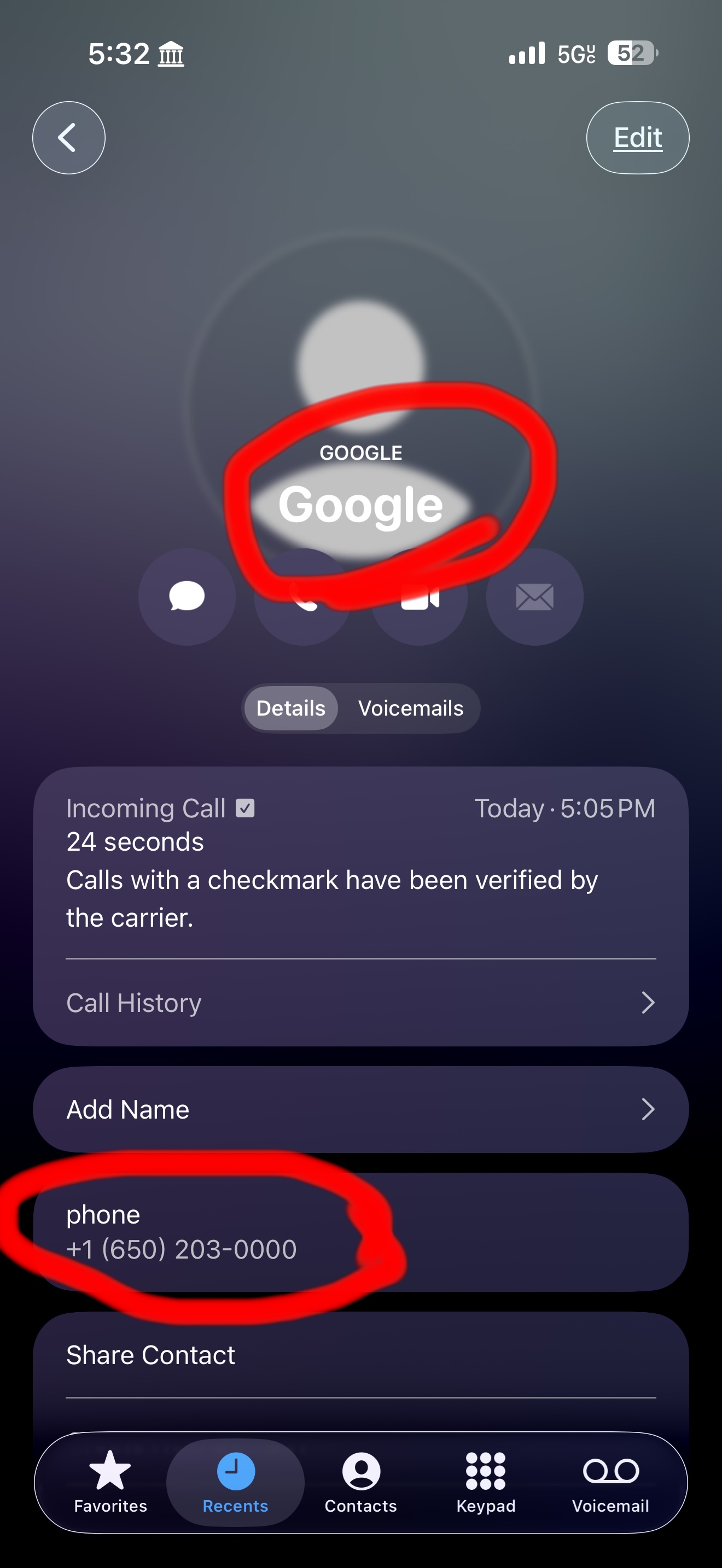
After the automated message, scammers often follow up with a second call that appears to come from Google. This is done using caller ID spoofing, a technique that allows scammers to make calls look like they are coming from legitimate companies, banks, police departments, courts, or government agencies.
Even if the phone shows “Google” or a familiar number, the call can still be fake.
Another warning sign is inconsistency. In this case, the automated system claimed a phone number was changed, while the caller claimed an email or backup email was changed. These contradictions are intentional and are designed to create confusion and urgency.
Google Security Alert Email
Sender Appears As:
no-reply@accounts.google.com
Scammers often rely on real Google security alert emails to make their phone calls seem legitimate. These emails can look exactly like official Google notifications.
DO NOT click any links inside these emails, even if they appear to be from Google.
If someone actually attempts to change your password, recovery email, or recovery phone number:
• Google will notify you inside your Google account
• Google will send alerts to your backup email
• Google will send a text message to your backup phone number
You do not need to talk to anyone on the phone to fix this.
Critical Security Facts Everyone Should Know
• Any real change requires logging in with your password and completing authentication
If anyone calls claiming to be Google, hang up immediately.
How to Protect Yourself From This Scam
• Do NOT click links in security alert emails
• Do NOT press keys or follow automated phone instructions
• Do NOT speak to callers claiming to be Google
• Never share verification or authentication codes
• Always verify activity by typing myaccount.google.com directly into your browser
• Make sure you have a backup email configured
• Use a cell phone as your backup phone number — not a landline
• Landlines cannot receive text alerts and are not recommended for account security
• Enable two-step verification using an authenticator app
Need Help Verifying or Securing Your Account?
If you receive suspicious calls, emails, or security alerts and are unsure what is real, Houston Tech Guys can help review your account activity and secure your devices properly.
Houston Tech Guys – Professional IT Support
Phone: (713) 849-2953
Email: info@houstontechguys.com
Website: https://www.houstontechguys.com
Serving Houston and surrounding areas
Verify independently and respond to exposure
Treat phone numbers, sender names and amounts described here as details reported in the source case, not proof of who owns a number or who placed a call. Caller ID and email sender displays can be spoofed. Open the organization’s official app or type its known website yourself; use contact information obtained there, not from the message. Do not share passwords, recovery codes or unexpected sign-in approvals. If you shared access or credentials, disconnect an exposed device, use a different trusted device to change passwords and review sessions, and contact the affected bank or service promptly. Keep evidence and report the message. A suspicious message alone does not prove a device or account was compromised.