The Importance of Regular Device Maintenance
Regular device maintenance is more than just cleaning your screen or updating apps. It involves a series of actions designed to keep your device running smoothly and extend its lifespan. Devices accumulate dust, software clutter, and minor issues that, if ignored, can escalate into major problems.
Key benefits of regular maintenance include:
- Improved device speed and responsiveness
- Enhanced security against malware and viruses
- Prevention of hardware failures
- Longer device lifespan, saving money on replacements
- Better battery performance and energy efficiency
Effective Device Maintenance Practices
Maintaining your device involves both hardware and software care. Here are some practical steps you can take:
Hardware Maintenance
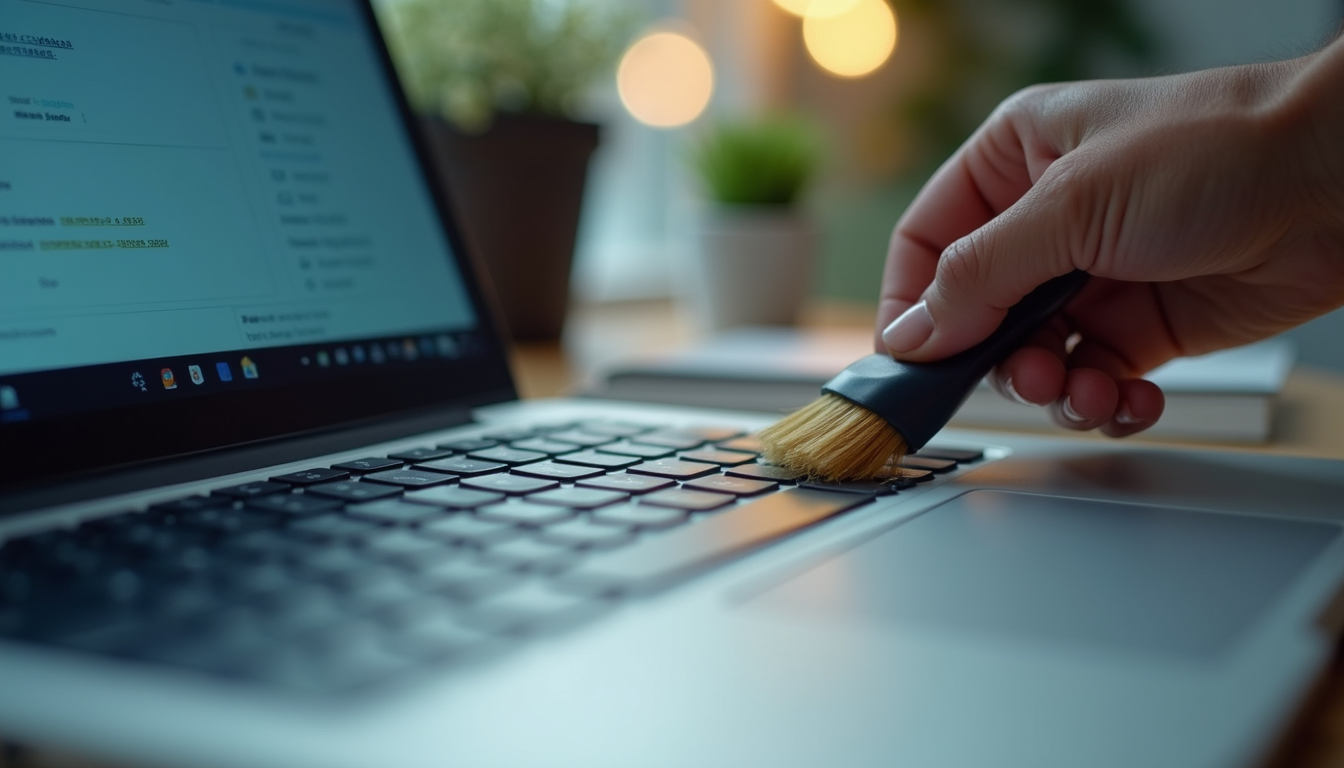
- Clean your device regularly - Use a soft cloth and appropriate cleaning solutions to wipe screens and keyboards. Avoid harsh chemicals.
- Keep vents and fans dust-free - Use compressed air to blow out dust from vents and fans to prevent overheating.
- Protect from physical damage - Use cases, screen protectors, and avoid dropping or exposing devices to extreme temperatures.
- Check cables and ports - Inspect charging cables and ports for wear and tear to avoid connectivity issues.
Software Maintenance
- Update your operating system and apps - Regular updates fix bugs and improve security.
- Run antivirus scans - Protect your device from malware by using trusted antivirus software.
- Clear cache and unnecessary files - Free up storage space and improve speed by deleting temporary files.
- Backup important data - Use cloud services or external drives to prevent data loss.
By combining these hardware and software practices, you can maintain your device’s health and avoid unexpected failures.
How Regular Maintenance Saves You Money
Many people overlook maintenance because they think it’s an unnecessary expense. However, regular upkeep can save you significant money in the long run. Here’s how:
- Avoid costly repairs - Small issues caught early are cheaper to fix than major hardware failures.
- Extend device lifespan - Well-maintained devices last longer, delaying the need for replacements.
- Improve energy efficiency - Devices that run efficiently consume less power, reducing electricity bills.
- Prevent data loss - Regular backups and security updates protect valuable information, avoiding costly recovery services.
By investing a little time and effort in maintenance, you protect your device and your wallet.
Tips for Creating a Device Maintenance Routine
Establishing a regular maintenance routine helps helps your devices stay in good condition without much hassle. Here are some tips to get started:
- Set reminders - Use calendar alerts to schedule monthly or quarterly maintenance tasks.
- Create a checklist - List hardware and software tasks to complete during each maintenance session.
- Use trusted tools - Download reputable cleaning and antivirus software.
- Stay informed - Follow manufacturer recommendations and updates.
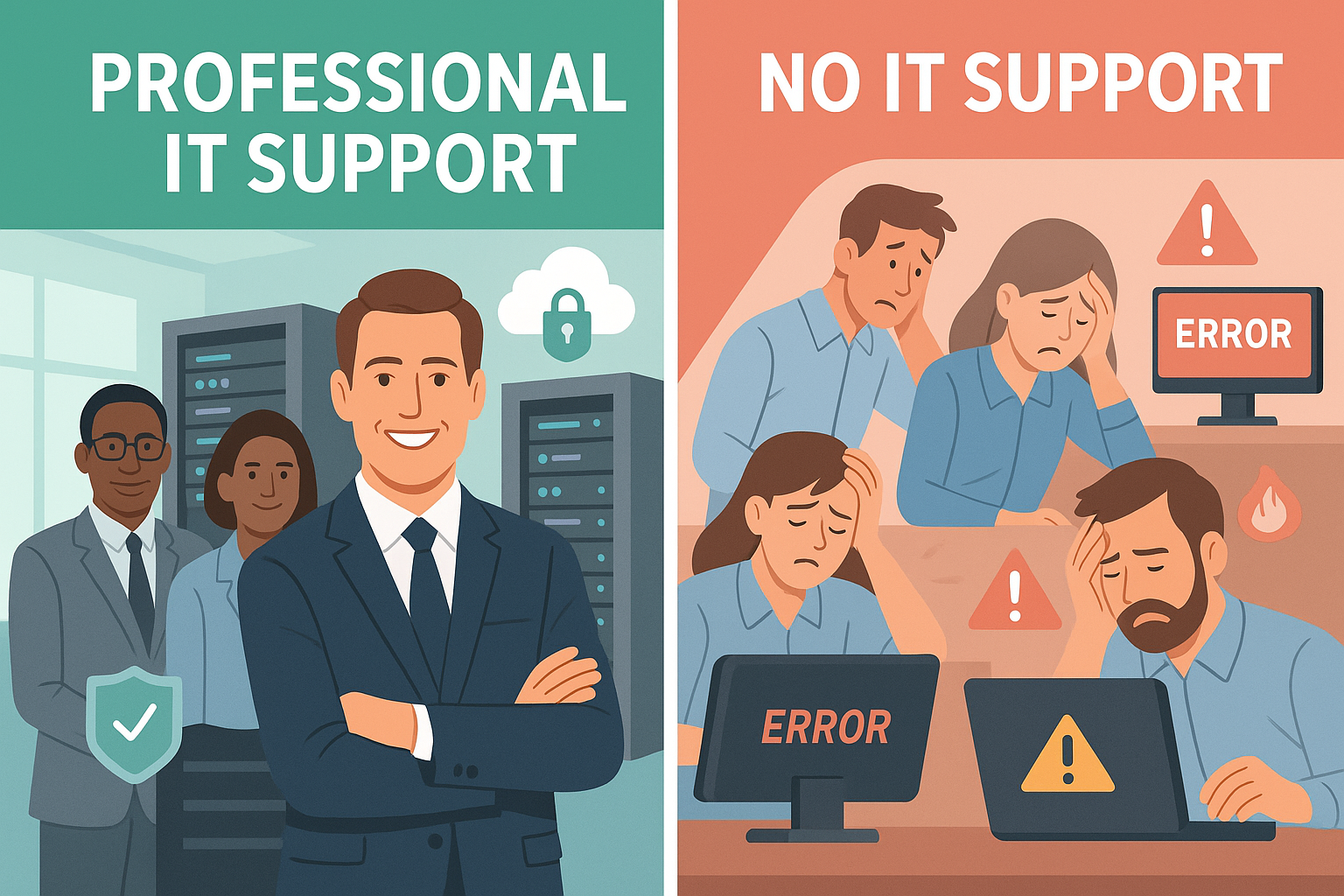
- Seek professional help when needed - Don’t hesitate to contact experts for complex issues.
By making maintenance a habit, you reduce the risk of unexpected device failures and enjoy a smoother user experience.
Regular device maintenance is a simple yet powerful way to protect your investment and enhance your digital life. Whether you handle it yourself or rely on professional computer services , staying proactive helps your devices serve you well for years to come.
Safe maintenance boundaries
Back up before major changes. Power off and unplug equipment before exterior cleaning; follow the manufacturer’s instructions and do not spray liquid into openings. Avoid opening power supplies or devices with swollen batteries. Use the operating system’s supported storage optimization rather than manual SSD defragmentation or registry-cleaning utilities. Maintenance frequency depends on dust, workload and symptoms, not a universal schedule.