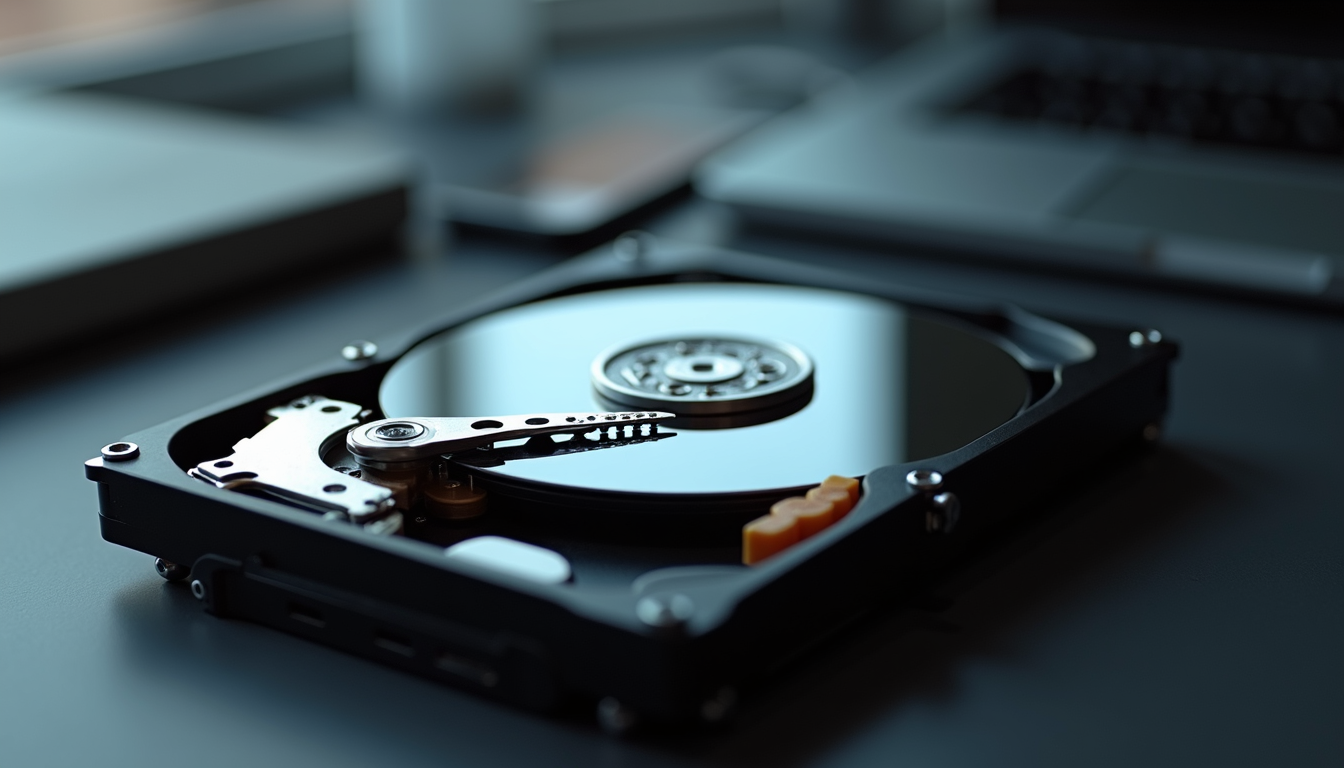
Lost files may result from accidental deletion, corruption, failing storage, malware, power loss or physical damage. The safest response depends on the symptoms and how important the information is. Recovery is not guaranteed.
Stop changes and assess the situation
Stop writing to the affected storage. Do not install recovery software, download files, format, initialize or run repair utilities on it. Record what disappeared, when it happened and any error messages. If a drive clicks, repeatedly disconnects, has liquid damage or contains irreplaceable data, power it down and seek a recovery assessment rather than repeatedly testing it.
Check existing recovery copies first
For a stable device and a simple deletion, check Recycle Bin or Trash, application recovery features, cloud deleted-items folders and version history. Look for an existing File History, Time Machine, external-drive or cloud backup. Use another device where possible and restore to separate storage. These tools help only if relevant copies or versions exist.
Free recovery tools and their limits
Recuva, TestDisk and PhotoRec are examples mentioned in the source material, not endorsed solutions for every failure. Software may help a stable drive with logical loss, but scans and writes can worsen a failing drive or overwrite files. Avoid DIY recovery for critical data; a specialist may first image the device and work from the copy. SSD TRIM, overwriting and encryption can make recovery impossible. Save recovered files to a different drive.
When professional recovery is appropriate
Seek assessment for physical damage, severe corruption, encryption problems or data you cannot replace. Ask who will perform the work, whether specialist laboratory handling is needed, how confidentiality is protected and what can be assessed before authorizing recovery. Do not open a drive enclosure or assume ordinary repair services include laboratory recovery. For ransomware, isolate affected systems and coordinate incident response before restoring.
Costs and authorization
Pricing depends on device condition, storage type, required labor and any laboratory work. Obtain a written evaluation and quote covering diagnostic charges, attempted recovery, return media, shipping and privacy. Clarify charges if no useful data is recovered; do not treat past price ranges or success claims as a current quote.
Devices lost or damaged outdoors
For a lost portable drive or memory card, identify the last known location and search safely without putting people at risk. Do not reconnect wet, dirty, heat-damaged or impact-damaged storage to see whether it works. Keep it unpowered and ask a specialist about handling and transport. The unrelated wilderness-survival material in one source is not data-recovery advice.
Create a response plan
Assign responsibility for isolating devices, preserving evidence, contacting support and informing affected stakeholders. Identify important data, backup locations, recovery priorities and authorized decision-makers. Preserve records needed for security or legal review. After recovery, verify files and applications before returning to normal work.
Reduce the chance of recurrence
Use automated, monitored backups and test restores. The 3-2-1 approach keeps three copies on two storage types with one off-site; include an offline or immutable copy where appropriate. Limit deletion privileges, apply updates, maintain malware protection, train users and replace unreliable hardware. RAID and file synchronization are not independent backups. Review the cause and update the plan after an incident.