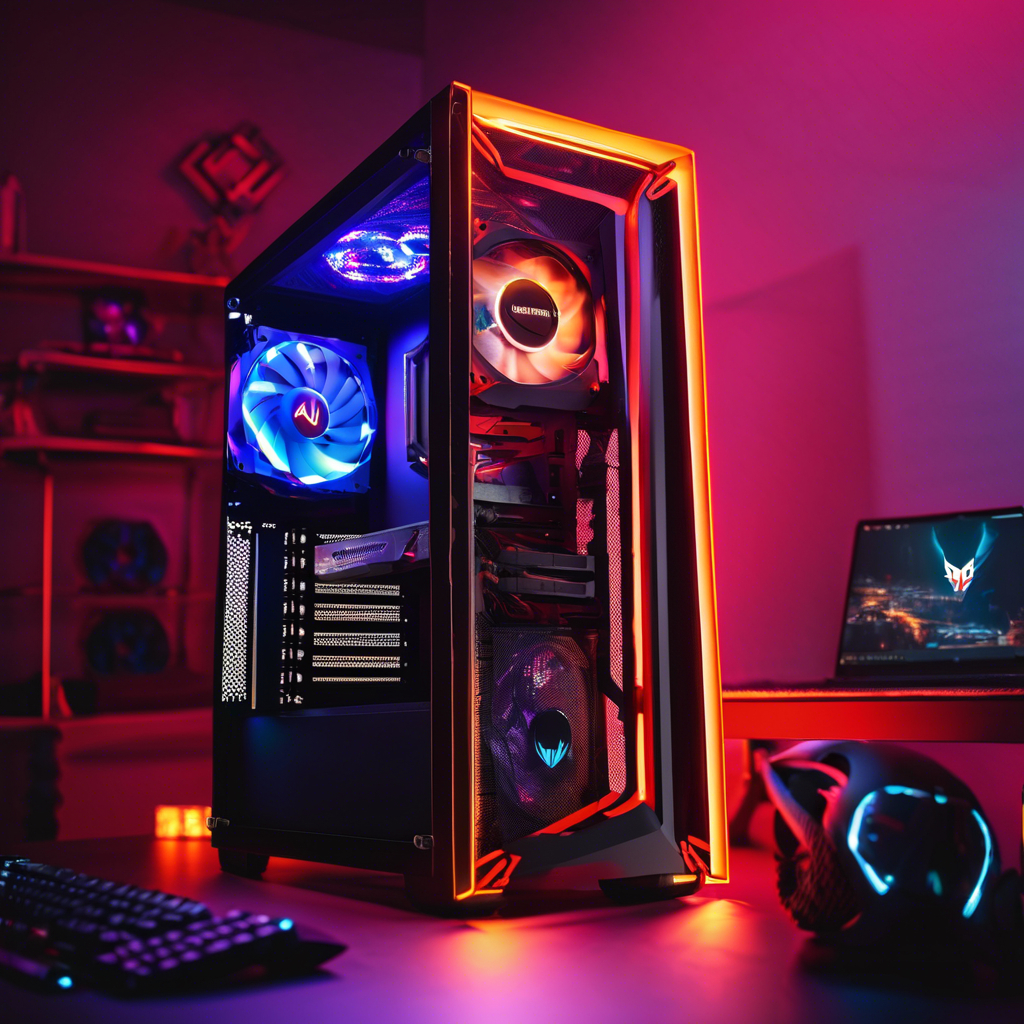
Unboxing a new computer is exciting, but getting it properly set up can be confusing—especially if you’re not used to handling cables, accessories, and settings. A proper installation helps your computer runs smoothly from day one.
Here’s a simple, step-by-step guide to installing a new computer and making sure everything is ready to go.
Step 1: Unbox Carefully ( installing a new computer )
Remove all packaging and check that you have the essentials:
- Computer tower or laptop
- Monitor (for desktop)
- Keyboard and mouse
- Power cords and adapters
- Setup instructions
Step 2: Connect the Monitor, Mouse, and Keyboard
- Plug the monitor into the computer using HDMI, DisplayPort, or VGA.
- Connect the mouse and keyboard using USB ports or Bluetooth.
- Secure all cables so they don’t pull loose.
Step 3: Power On and Run Initial Setup
Turn on your computer for the first time. You’ll be guided through setup steps like:
- Choosing your language and region
- Connecting to Wi-Fi
- Creating a user account and password
Step 4: Run Microsoft Updates
Your new computer may already be a few updates behind. Running Microsoft updates helps you have the latest security patches and performance improvements.
Step 5: Install Security Software
Before browsing the web, make sure you have antivirus or professional-grade protection installed. This helps block malware, phishing, and other online threats.
Step 6: Transfer Your Files and Apps
Use an external drive, cloud service, or professional data migration to bring over your old files, photos, and software.
Why Professional Setup Makes a Difference
While you can setup a new computer on your own, a professional technician helps:
- Proper cable management
- Updates and drivers fully installed
- Security settings optimized
- Data safely transferred
- System configured for performance
With Houston Tech Guys, you’ll know your system is ready to work from day one.
Need Help with Installing a new computer?
Need help setting up your new computer?
Let Houston Tech Guys handle it for you. We’ll connect, configure, and secure your system the right way.
Call us at 713-849-2953 📧 Email: info@HoustonTechGuys.com