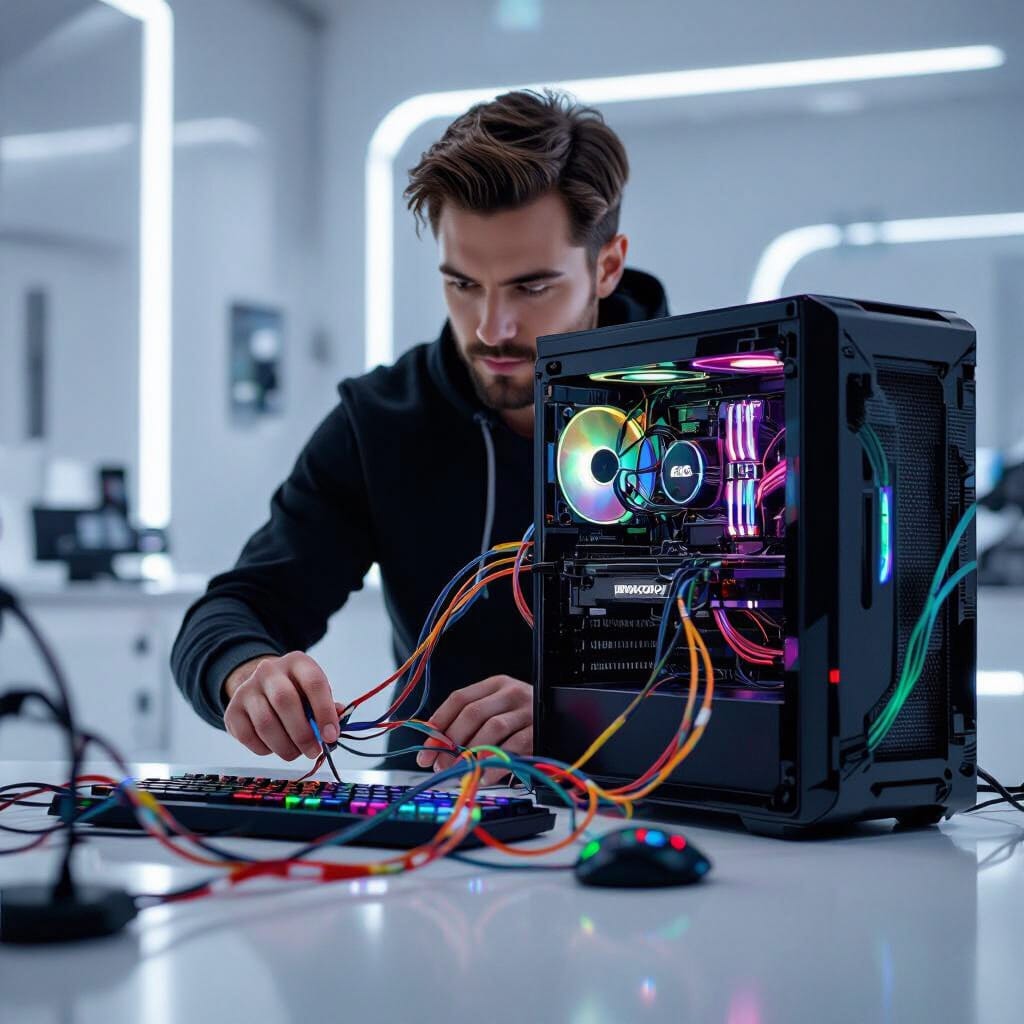
Few things are more frustrating than waiting forever for your computer to load. The good news? You don’t always need a new device. With the right steps, you can speed up a slow computer and restore its performance.
How to speed up a slow computer : Clear Out Startup Programs
Many programs automatically launch when your computer turns on, slowing boot time. Open your startup settings and disable anything you don’t use daily. This small change can dramatically speed up a slow computer .
Speed up a slow computer by uninstalling unnecessary apps
Over time, unused software takes up space and resources. Go through your installed programs and remove anything you no longer need.
Upgrade Your Hardware
Sometimes the best way to speed up a slow computer is with affordable upgrades:
- RAM upgrade: Helps with multitasking and overall performance.
- Solid State Drive (SSD): Replacing an old hard drive with an SSD provides lightning-fast boot times.
Run System Updates
Keeping your operating system up to date helps you have the latest performance improvements and security patches. Microsoft updates, in particular, help optimize your system.
Get a Professional Tune-Up
While basic steps help, a professional can go further by:
- Running deep malware and virus scans
- Cleaning out old files and browser cookies
- Optimizing security settings
- Checking for failing hardware
Houston Tech Guys specializes in tune-ups that bring sluggish systems back to life.