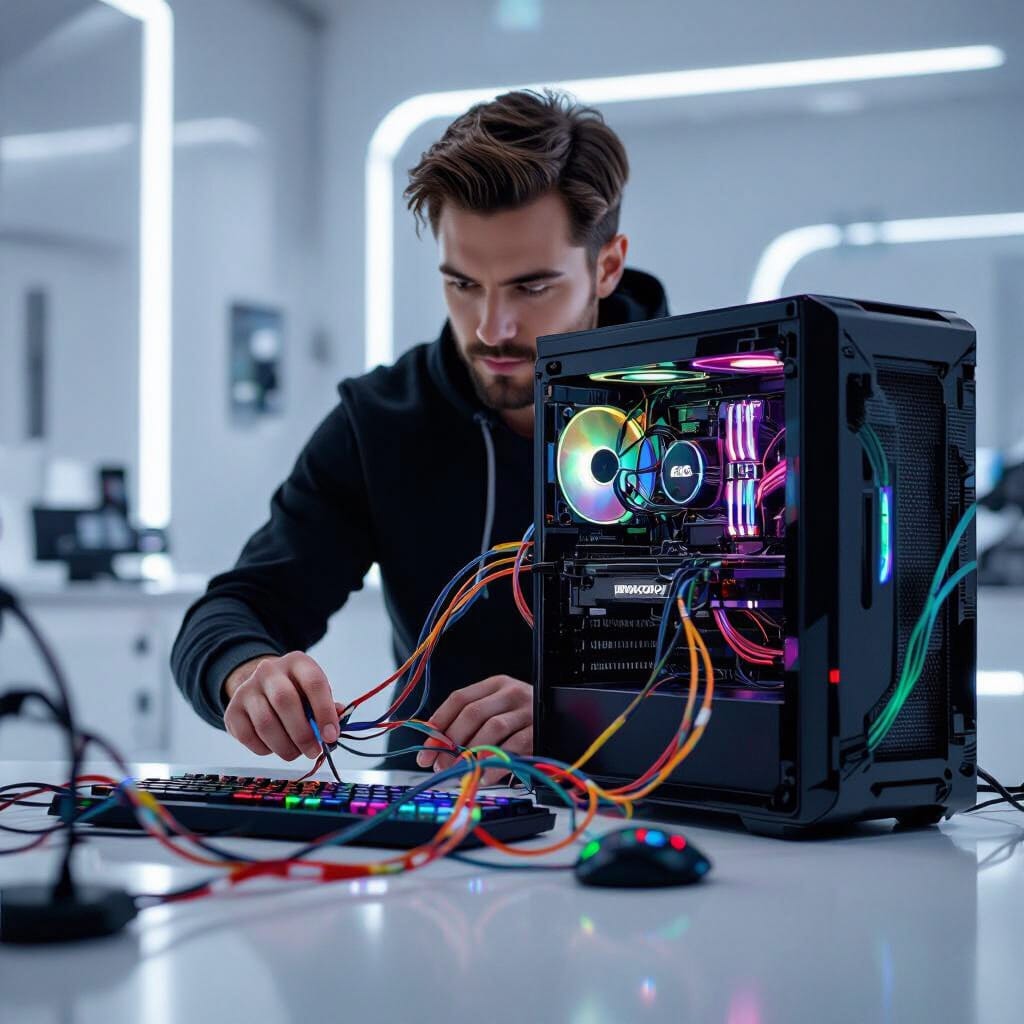
Protect Your PC and Keep It Running Strong
Most people don’t think about their computer until something goes wrong—slow performance, strange pop-ups, or even a crash. But just like a car needs an oil change, your computer benefits from a professional tune-up at least once a year. This annual service isn’t just about speed—it’s about security, reliability, and protecting your personal data.
Why One Yearly Service Makes a Big Difference
Over time, your computer collects old files, outdated programs, and hidden tracking cookies from your web browser. These clutter your system and slow performance. More importantly, your device can develop vulnerabilities that hackers use to gain access. A professional yearly service wipes away the clutter and tightens your system’s defenses.
Protecting Yourself From Hidden Cyber Threats
Hackers today use advanced methods to steal personal information. One common tool is a keylogger, a malicious program that records every keystroke you make—including usernames, passwords, and credit card details. Without a deep system scan, these threats can remain invisible.
During an annual tune-up, a professional technician runs advanced scans that go far beyond basic antivirus software. They check for malware, spyware, and programs that may be running in the background without your knowledge. This helps your private data stays private.
The Extra Layer of Professional Care
While you can run updates or clear browser history yourself, professional tune-ups include far more:
- System-wide malware scans to detect hidden threats
- Cookie and cache cleanup for a faster, safer browsing experience
- Software and driver checks to keep everything up to date
- Hardware inspections to helps your hard drive, cooling fans, and memory are healthy
- Security reviews to confirm your system is protected against the latest cyberattacks
This complete checkup keeps your computer performing at its best while protecting your information.
Extend the Life of Your Computer
Scheduling an annual computer tune-up is one of the best ways to protect your PC from hackers and keep it running like new.
With an annual computer tune-up , professionals run deep scans to detect keyloggers, spyware, and other hidden threats
Safe maintenance boundaries
Back up before major changes. Power off and unplug equipment before exterior cleaning; follow the manufacturer’s instructions and do not spray liquid into openings. Avoid opening power supplies or devices with swollen batteries. Use the operating system’s supported storage optimization rather than manual SSD defragmentation or registry-cleaning utilities. Maintenance frequency depends on dust, workload and symptoms, not a universal schedule.